New Windows 11 Update Provides Performance Boost: RAM Usage Will Decrease
The Windows 11 26H2 update reduces RAM consumption while increasing system performance with the Low Latency Profile. Here are the details of the new update.
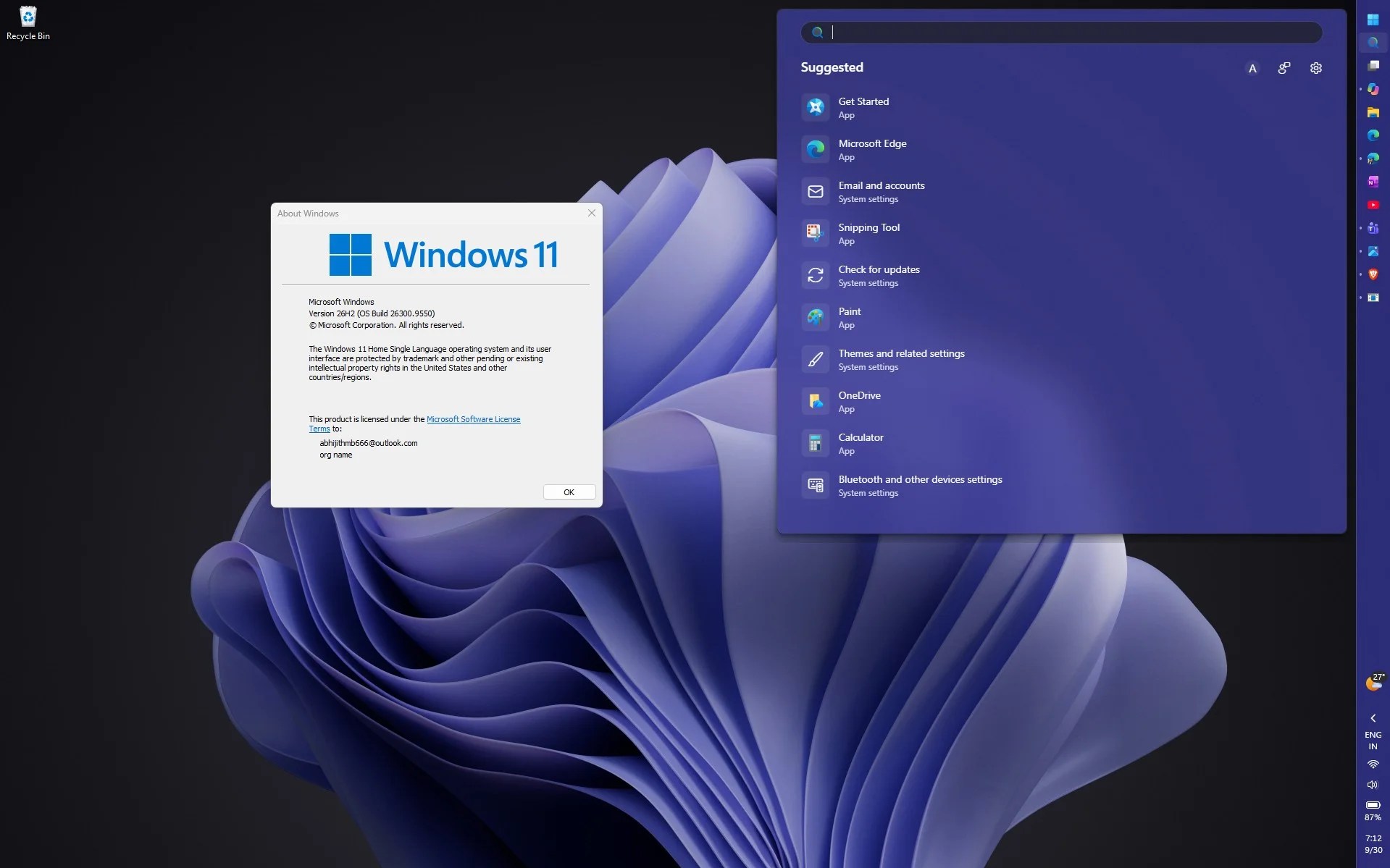
The Windows 11 26H2 update introduces significant changes to the operating system’s memory management. While Microsoft hasn’t officially highlighted this change, a noticeable decrease in system RAM consumption is observed.
The update, in particular, reduces idle memory usage, allowing the system to operate much more efficiently. This directly and positively affects the overall performance and reaction time of the computer.
RAM Management and Performance Boost
Studies show that the update reduces idle RAM usage by 3 GB in some systems and by 2 GB in others. Microsoft achieves this improvement by optimizing general RAM management policies and background processes.
These memory management improvements cover not only idle systems but also computers under load. Reducing system-wide RAM consumption allows hardware resources to be used more efficiently.
With the update, Microsoft’s Low Latency Profile is also being made generally available. This feature is a mechanism specifically designed to speed up the operating system’s reaction time.
Low Latency Profile temporarily maximizes the processor’s clock speed when applications, system windows, and right-click menus are opened. This allows users to experience much smoother interface interactions.
This new profile, which provides a 40% speed increase in applications such as Edge and Outlook, significantly reduces interface delays. Performance improvements of up to 70% are observed in frequently used areas such as the Start menu and right-click menu.
Advantages for Low-End Computers
These performance improvements make a much more noticeable difference, especially in low-end PC models. More efficient use of hardware resources ensures that entry-level and mid-range devices operate much more stably.
The optimizations offered by Microsoft with this update also increase the overall stability of the operating system. Users get a faster and more responsive Windows 11 experience in their daily workflows.
These technical improvements brought by the update increase the overall efficiency of the system and lighten the load on the hardware. Do you think you noticed a change in your computer’s performance with the Windows 11 26H2 update?